Have you ever transfered all of your current website assets to a new hosting provider? Well if you do - don't forget your .pot files like I did - it is no fun. Read more in the article.

Screenshot from poedit software where EN to LV translation can be done for SureCart
I have been working on rebuilding the https://virsis.art website for the family's business to be better, faster and more modern for the past 2 weeks already. I chose to switch hosting providers and decided not to migrate the website as-is, but rather take all the necessary information and adapt it to a new design. But it turns out I didn't notice everything.
The website build
While the base is made on WordPress.org - self-hosted CMS, it has additional integrations added - SureCart for a headless e-commerce solution and multilingual support with TranslatePress being the most prevalent. (Yes, I am aware that SureCart is not fully translatable, but for my needs it is enough and it looks modern!) As for the theme, the new build uses Bricks builder, while I chose it specifically to be able to edit SureCart layouts more intuitively, as they are nicely integrated with each other, I have fallen in love with the limitless design capabilities and the smooth editing experience.
The website is aimed to be in two languages initially - Latvian, as it is required to have a local language webstore if a Latvian registered e-commerce store wants to sell their goods in the Latvian market, and English, for the international audience. Maybe in the future, additional languages will join, but only time will tell. The majority of translations on blogs, general websites and product descriptions are handled via TranslatePress. However, the SureCart-specific strings, like automatic checkout fields, product buttons and other items native to SureCart, are not automatically multilingual or translatable with the plugin.
The grunt work for translations
According to SureCart documentation, it is easy to translate the strings native to SureCart integration either by using the Loco Translate plugin or by editing the .pot file directly with the Poedit software.
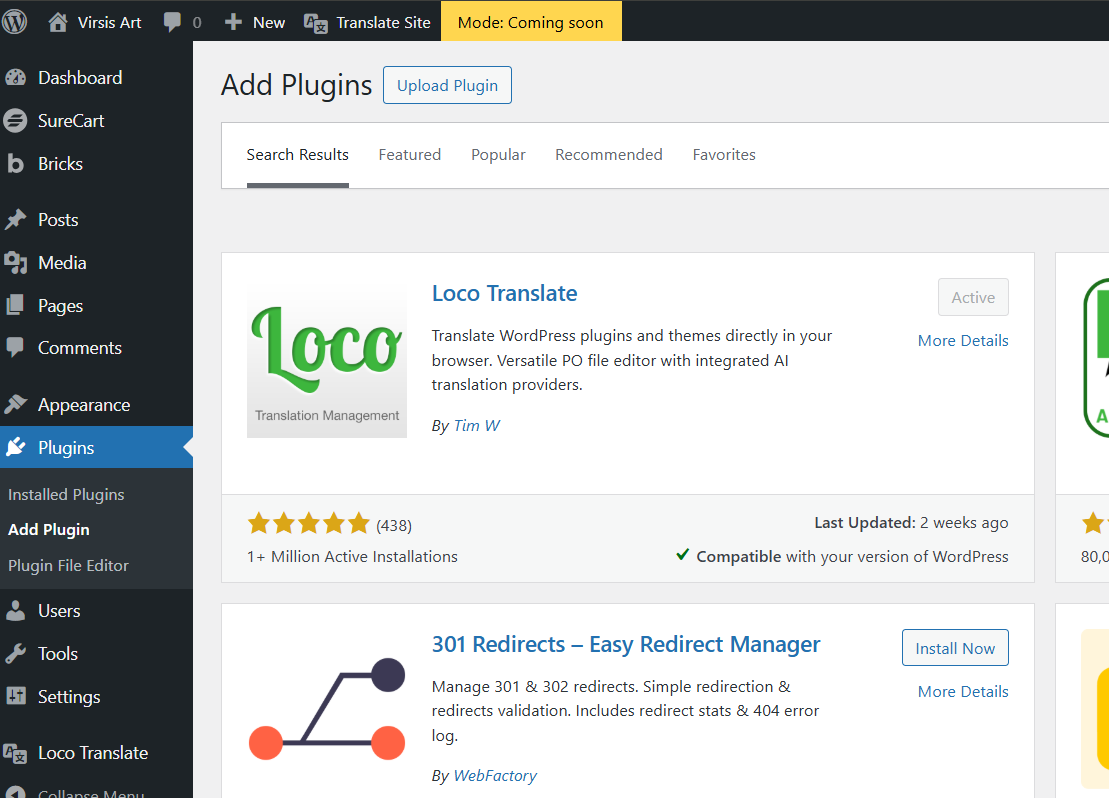
Screenshot of Loco translate plugin in wordpress.org interface
It's true - it is straightforward, as we have done it once more than a year ago when the first website version was made - it was tedious work to translate SureCart into Latvian, but more or less it was successfully done. That time around, the Loco translate free tier was used, and only 2000 out of nearly 5000 individual strings were translated, but for only physical goods stores, sufficient.
Now comes the fun part - when I said goodbye to my previous hosting with the well-thought-out solution to not migrate the website directly, I forgot the struggle of translating SureCart...
Now again I am presented with the challenge to translate the SureCart integration's .pot file to have as much of multilingual options as possible. Currently, I am trying out the Poedit software instead in hopes of translating more of the .pot file than possible with Loco Translate's free tier, but it's all manual work unless going pro. Am I crazy? Yes - I am translating roughly 1% of the strings every 10-15 minutes due to some terms being difficult to translate to Latvian. Am I regretting the choice to be ignorant enough about the past struggles to forget about the translation part? Yes. Is the translation worth it? Definitely - yes! It makes the website feel more local and familiar to native speakers.
But one takeaway from this experience is - know your website's build from inside out, and if grunt work is done once, make sure to save a copy of it to save yourself some time and headaches in the process!
Happy website building and translating, everybody!